Owned products, not independent recommendations: CourseProfit Lab and Story Systems Studio share the same owner. We benefit from these sales. Read the commercial disclosure.
Buy only the piece you need.
These are separate one-time digital purchases, not a subscription, bundle or custom service. Each button opens the existing Story Systems Studio product page on Gumroad, where you can inspect previews and confirm the final price, taxes, license and refund policy before paying.
Listed prices are in USD, before applicable taxes, and were checked on October 3, 2026. Gumroad checkout is the final source of truth. Original products were developed with AI assistance; none requires an AI subscription to use.
Start with the problem, not the bundle
Which step needs help?
You may not need to buy anything. Try the manual approach first; use a resource only if its structure saves useful work for you.
Free approach: make a document with a claim, source and limitation for each teaching point. For a reusable planning structure, inspect the Evidence Storyboard. You still verify the evidence yourself.
My rehearsal runs over time.
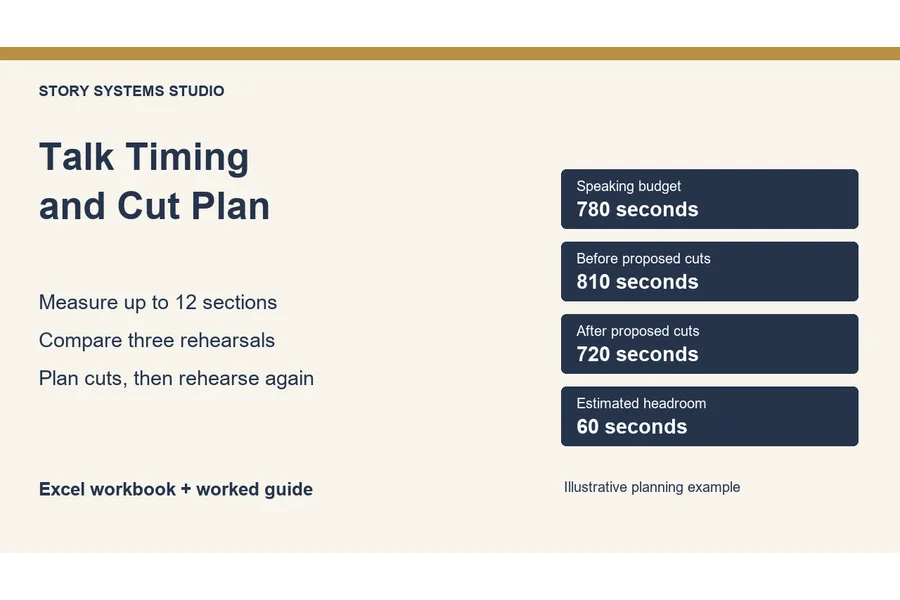
Free approach: use a timer and record each section’s duration, then rehearse your cuts. For a repeatable desktop Excel planning sheet, inspect the Timing and Cut Plan. It does not time your speech automatically.
I need to review a PowerPoint deck before sharing.
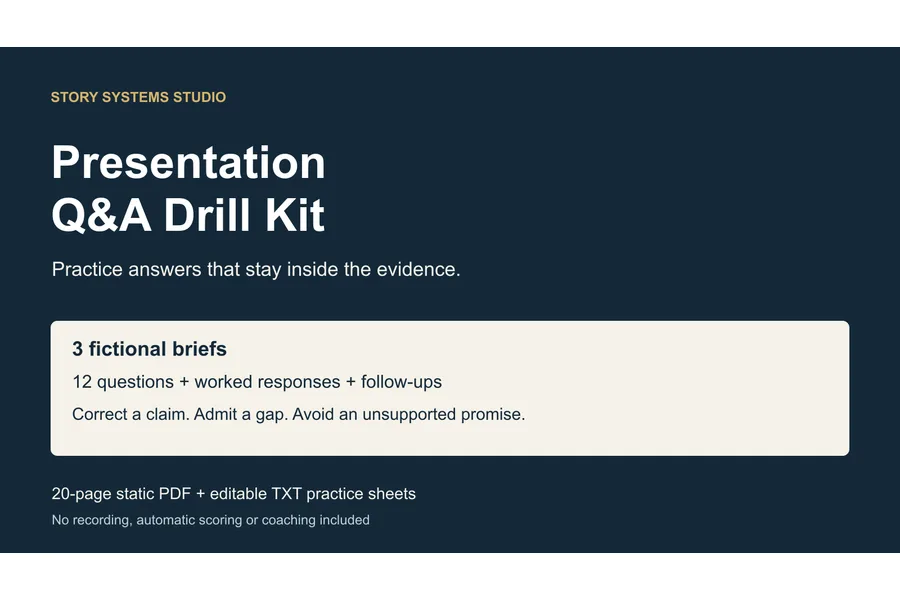
Free approach: write likely objections and rehearse your answers aloud. If you want fictional practice cases and worked responses, inspect the Q&A Drill Kit. It is static material, not an AI coach.
A small toolkit, from outline to delivery.
01 / Plan the lesson
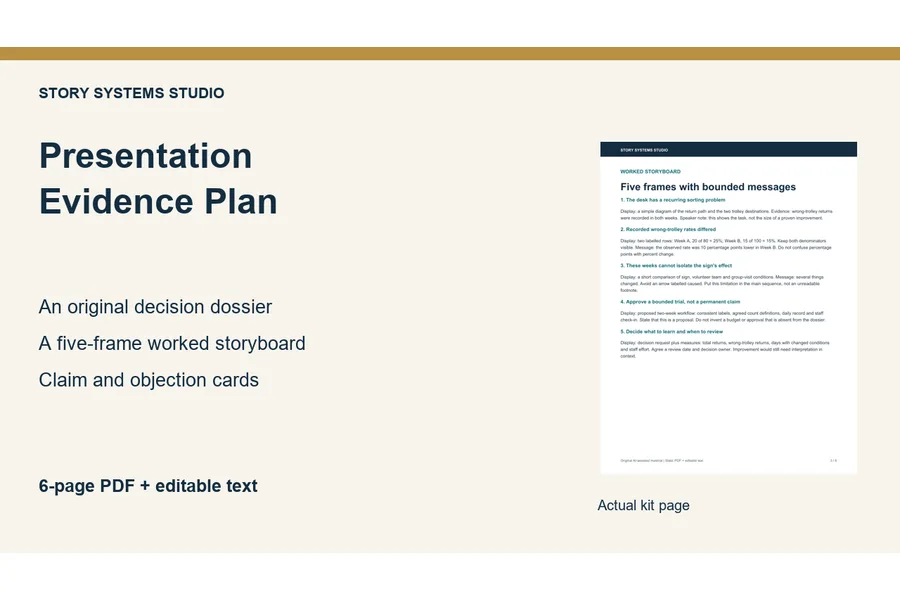
Presentation Evidence Storyboard
$5 USD
PDF + editable text
Map the claim, evidence and limits behind each teaching point before you design the slides.
What you get
Six-page planning PDF, editable plain-text version and a getting-started guide.
What you need
A PDF reader or text editor. The PDF is static, not a fillable form.
What this does not do
Not a PowerPoint template, fact-checker or automatic slide generator. You supply and verify the evidence.
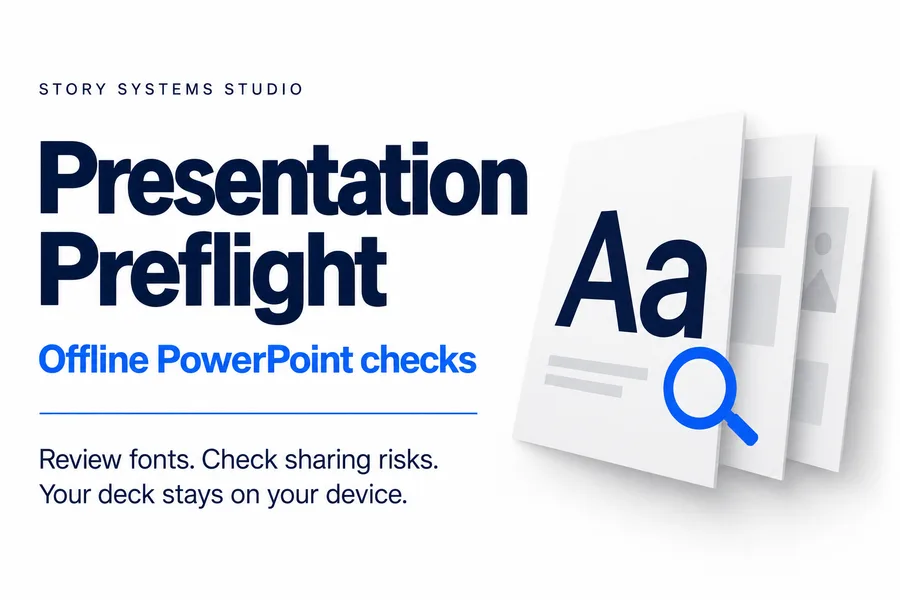
Inspect a PowerPoint file for font inconsistencies and sharing risks, then optionally save selected Latin-font replacements into a separate copy.
What you get
Offline app, editable example and practice decks, text-report export, guides and license. Batch review supports up to 10 decks and 100 MB total.
What you need
Desktop Chrome or Edge for the downloaded app; standard unencrypted .pptx files up to 25 MB and 150 slides each. Review edited files in PowerPoint before sharing.
What this does not do
Does not render, redesign or rewrite slides, certify accessibility, or fully anonymize a file. Notes, comments and hidden slides are flagged, not removed.
The existing Story Systems Studio Gumroad store sells and delivers the files. CourseProfit Lab does not collect card details or accept an order on this page. Keep your Gumroad receipt for download access and use the support contact shown there for product questions.
Can I use the files in my own course business?
These resources are intended for your own work, including your own commercial projects, within each product’s license. That does not grant permission to resell or redistribute the app, blank templates or downloadable files to your students. Check the exact license on the product page.
Will buying improve my course sales?
No outcome is promised. These tools support preparation and review; they do not validate demand, generate an audience or guarantee revenue. If platform costs are your current question, our free calculators and decision tools remain available without buying anything.
Does this change the platform comparisons?
No. Story Systems Studio is our own product brand, not one of the course platforms ranked by the fee calculator. Its sales do not alter the calculator inputs or ranking formula.